What to do before deleting your eSIM: a travel-first checklist an
A compact, device-first guide for international travelers explaining whether you can delete and reinstall a travel eSIM, what changes when you delete, how to back.
Key takeaways
Short answer: usually yes — you can delete and often reinstall a travel eSIM, but reinstallability depends on the provider's activation rules and whether you saved the original activation data.
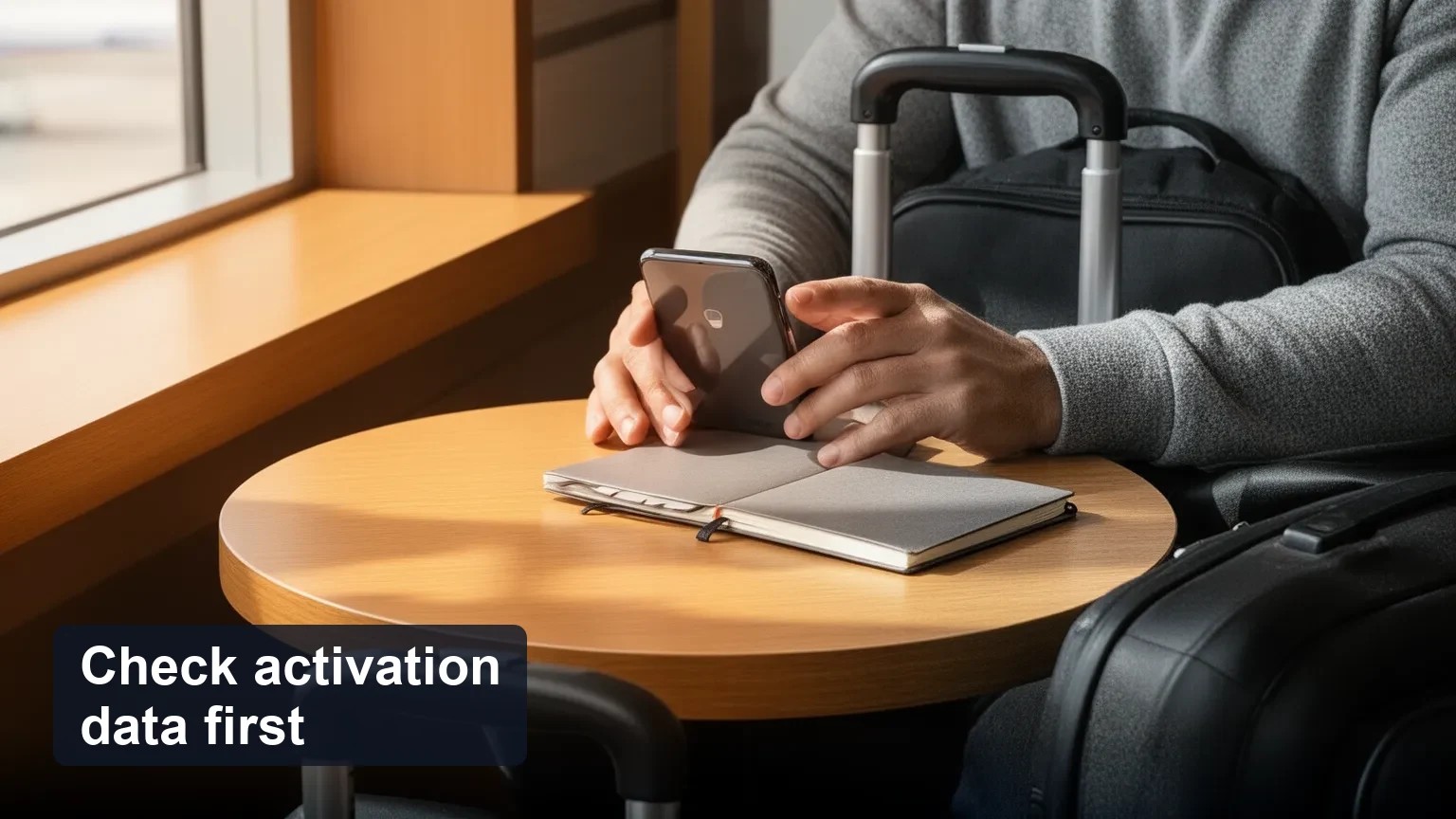
Don’t delete first: follow a short pre-deletion checklist (save QR/activation data, copy EID/ICCID, confirm provider policy) to avoid losing the ability to reinstall while abroad.
Device matters: iPhone and many Android phones offer transfer or backup paths; some travel eSIMs use one-time QR links that carriers won’t reissue without contacting support.
Quick answer (direct)
Yes, you can usually delete a travel eSIM from your phone and reinstall it — but only if you have the activation information (QR, activation link, or provider account) or the provider can reissue it. Deleting the on-device profile does not always cancel or refund the underlying plan, and some providers use one-time QR activations that cannot be reused after deletion.
Below are practical steps, device-specific guidance, troubleshooting sequences, and a compact pre-deletion checklist to preserve reinstall options and reduce recovery calls while traveling.
Why this matters for travelers
Deleting an eSIM on the device removes the provisioning profile from the handset, but the plan may still exist on the carrier side. Many travel issues happen because travelers delete first (to free a slot or for privacy) without saving the QR or confirming the provider’s reissue policy — then lose mobile data when they need it most.
This guide focuses on preserving reinstallability, reducing time on support calls abroad, and giving clear device-first steps for iPhone and mainstream Android phones.
Difference between disabling versus permanently deleting an eSIM on phones
Disabling (or turning off data/line): keeps the eSIM profile and provisioning intact on your device. It's reversible and preserves reinstallability without contacting the provider.
Deleting (or removing a cellular plan/profile): removes the provisioning profile from the device. The server-side plan may still exist, but the activation data (especially one-time QR codes) can be lost.
Recommendation: If your immediate goal is privacy or troubleshooting, disable the line first. Delete only after you've followed the pre-deletion checklist below.
Provider policies on reissuing QR codes and reinstalling profiles
What to expect:
One-time QR activations: Some travel eSIM vendors and MVNOs issue QR codes or activation links that are single-use. Once used and deleted, the same QR cannot be used again and the provider must generate a fresh activation.
Account-based restores: If your eSIM was sold through an account (app or reseller), you may be able to reinstall from the vendor app or request a reissue via the account dashboard.
Carrier re-provisioning: Many carriers can reissue an activation QR or re-provision a profile, but policies vary (some charge, some require ID or proof of purchase).
Action: Check your provider’s help pages or support chat before deleting. If you bought through a reseller (for example, save order and activation URLs in your reseller account), keep those details ready.
Device-specific steps (concise, practical)
iPhone (iOS)
To disable: Settings > Cellular > tap the plan > turn off "Turn On This Line" (or toggle data/roaming as needed).
To delete: Settings > Cellular > tap the eSIM plan > Remove Cellular Plan. iOS will ask to confirm.
Transfer options: Recent iOS supports transferring eSIMs between iPhones during setup or via Settings > Cellular > Add eSIM > Transfer from Nearby iPhone (models and iOS versions vary).
Note: Apple Support documents these flows and also warns to verify what gets erased during device reset — iOS may remove downloaded eSIMs during a factory reset.
Android (Pixel, Samsung and mainstream)
Pixel example: Settings > Network & internet > SIMs > remove eSIM profile (flowwords vary by model). Pixel Help documents eSIM setup and removal.
Samsung/other Android: Settings paths differ, but generally Network & internet or Connections > SIM card manager > eSIM/Manage SIM > Delete Profile.
Transfer options: Some Android phones (Pixel, recent Samsung) support transferring eSIMs between devices or restoring via the vendor app; exact behavior differs by manufacturer and Android version.
Important: Always note EID/ICCID (device's eUICC identifier and profile ICCID) from the settings before deleting — providers may ask for them to re-provision.
How to transfer or back up an eSIM before deleting it
Save the QR/activation link: Screenshot the QR and any included activation code, or copy the direct activation URL into safe notes (offline). If the QR was delivered in an email, keep that email offline and accessible.
Record identifiers: Note EID and ICCID from your phone's eSIM settings. These are often requested by support.
Use the provider app/account: If your vendor has an app or account page with a "reinstall" or "download" button, use it rather than deleting the device copy.
Use device transfer: If switching phones, use built-in transfer (iOS or manufacturer Android transfer) while both devices are on and near each other.
Recommendation: Treat the QR/activation link like a travel document — store it encrypted or in a screenshot backed up to a secure note (not to public cloud unless encrypted).
Risks and common errors (activation failures, ghost profiles, eUICC issues)
Activation failed after reinstall attempts: Causes include one-time QR, provider-side throttle, or EID mismatch.
Ghost profiles: Old or partial profiles can remain in the eUICC and block new installs. The fix sometimes requires clearing the eUICC (provider-assisted) or removing ghost entries in settings.
eUICC storage full: Some phones limit the number of profiles stored; you may need to delete truly unused profiles (with caution) to free space.
Factory reset surprises: Many devices remove downloaded eSIMs during factory reset — check the prompt carefully.
Troubleshooting sequence:
1. Restart phone. 2. Airplane mode toggle. 3. Re-attempt installation from saved QR or provider app on Wi‑Fi. 4. Reset network settings (note: may remove saved networks). 5. Contact provider with EID/ICCID if still blocked.
Pre-deletion checklist (compact and device-first)
1. Disable the eSIM instead of deleting if you only want it off.
2. Save activation QR + activation code + order number (screenshot/email). Store offline and in a secure note.
3. Record EID and ICCID from Settings > Cellular/Network for your device.
4. Confirm provider reissue policy via app/help center or support chat. Ask: "If I remove the profile, can you reissue activation?"
5. If transferring to a new phone, try the device-to-device transfer flow before deleting on the old phone.
6. Test reinstall while still on Wi‑Fi and before you need immediate mobile data.
7. If you use a reseller, keep reseller order ID and support link ready (resellers can sometimes assist with reissue).
What recovery steps work if I delete an eSIM abroad?
Use saved QR/activation link to reinstall over Wi‑Fi. Many re-installs work from the original activation data if it is reusable.
Use the vendor app: many resellers and providers let you reinstall through your account dashboard.
Ask provider to reissue QR: Contact support and provide purchase details, EID/ICCID, and passport/ID if requested.
If support is slow: consider buying a short-term local eSIM as a fallback to restore connectivity quickly.
Decision framework: When to delete, disable, or transfer
Evaluate these criteria:
Can the provider reissue QR codes or restore deleted profiles? (If no, avoid deleting.)
Does your device support eSIM transfer or built-in backup? (If yes, prefer transfer.)
Is the travel plan single-use or multi-activation? (Single-use QR = higher risk.)
How critical is uninterrupted connectivity? (If critical, keep profile active until a confirmed alternative exists.)
Worked example: If you have a 7‑day multi-gig plan you’ll use until departure and your provider allows reissue, you can delete after saving the QR and EID. If it’s a single-use 1GB plan and you can’t get a quick reissue, keep it disabled instead of deleting.
Answering common traveler questions (community-style headings)
Can I delete my Airalo eSIM and reinstall it later?
Depends on the specific Airalo product: some sellers on Airalo provide re-download through the Airalo app or allow reissue, others use single-use QR activations. Check the Airalo order page or help center and save your activation data before deleting.
Deleted my travel eSIM — do I need a new QR code?
Often yes if the original QR was single-use. If you kept the QR or the vendor supports re-download, you may reinstall without a new code. Contact the provider to confirm.
Will deleting an eSIM cancel my prepaid plan?
Not necessarily. Deleting removes the profile from the device; the plan may still be active with the vendor. Cancellation and refunds are subject to the provider’s terms.
How do I transfer eSIM to a new phone without losing it?
Use the device-to-device transfer (iOS or manufacturer Android) while both devices are powered on and nearby, or reinstall from the provider's account/app on the new device after removing it from the old one. Always save activation data first.
Responding to traveler objections
"I can't call my carrier while abroad": Use in-app chat, email, or the reseller's support ticket system. Save activation data so you can reinstall without live support when possible.
"I don't trust leaving an eSIM active for security reasons": Disable the line rather than deleting; disabling preserves reinstallability and avoids exposing credentials.
"Carrier support is slow when I need immediate data overseas": Keep a fallback local eSIM or a small pay-as-you-go SIM as a contingency.
"I'm worried a factory reset will remove connectivity unexpectedly": Read reset prompts carefully; back up QR/activation data and consider disabling rather than deleting before reset.
Common mistakes and troubleshooting tips
Mistake: Deleting instead of disabling. Fix: If you’ve deleted and kept the QR, reinstall from the saved QR; if not, contact provider with EID/ICCID.
Mistake: Not saving the QR or activation link. Fix: Look for the original purchase email or app; ask provider for a reissue.
Mistake: Assuming deletion frees the QR for reuse. Fix: Treat QR as single-use until you confirm otherwise with your provider.
Final actionable checklist (do this before you hit Delete)
1. Disable the eSIM first (if possible) — confirm connectivity stops.
2. Screenshot or securely store the QR and activation details.
3. Copy EID and ICCID from device settings.
4. Check provider/app support policy on reissues and backups.
5. Try reinstall on Wi‑Fi before wider travel needs.
6. Keep fallback options (local eSIM or temporary roaming) planned.
FAQ
Q: If I delete an eSIM, will the provider automatically refund or cancel the plan?
A: No — deletion is a local device action. Refunds/cancellations depend on the provider's policy.
Q: My phone shows a ghost eSIM profile that blocks installs — what do I do?
A: Restart phone, try removing the ghost profile via settings, reset network settings if safe, and contact provider with EID/ICCID if needed.
Q: I accidentally deleted my eSIM, help!
A: First, search your email/app for the original QR. If not found, contact the provider/reseller and provide purchase details plus EID/ICCID. Consider a short local eSIM while waiting for reissue.
Closing notes
Preventing avoidable downtime means treating activation data like a travel document: save it, know your device's transfer tools, and confirm provider policies before deleting. If you used a reseller, keep the order and activation links handy — resellers sometimes simplify reissues. Esibyte, for example, encourages travelers to keep activation info in their account dashboard to make reinstallation easier if needed.
Decisions vary by device, vendor, and travel needs — use the checklist and decision framework above to choose the safest route for uninterrupted travel connectivity.
Pr?parez votre voyage avec ces destinations eSIM
D?couvrez des forfaits destination li?s ? ce sujet et comparez vos options avant de partir.
Obtenez des forfaits de données eSIM mondiaux instantanés sans frais d'itinérance Activez en quelques minutes et restez en ligne avec des offres prépayées flexibles