How to Prepare Your Phone Before Traveling Abroad
A practical, step-by-step guide for travelers on phone setup before international travel: connectivity, security, apps, and arrival checks so your phone works smoothly when you land.
Why this matters
Preparing your phone before you travel reduces stress on arrival, helps you stay connected safely, and avoids unexpected costs. This guide focuses on phone setup before international travel with clear, practical steps you can complete in the days or hours before departure.
Before you leave home
1. Confirm device and carrier compatibility
Check that your phone is unlocked and supports the destination cellular bands (4G/5G). Look up your phone model and the local bands for the country.
Verify whether your carrier allows international roaming or if an eSIM/local SIM is a better option.
2. Back up and update
Back up contacts, photos, and important documents (cloud and local backup).
Update your phone OS and apps to the latest stable versions to reduce compatibility and security issues.
Remove or disable unused accounts and apps that you will not need abroad.
3. Secure access and recovery
Enable Find My iPhone / Find My Device and ensure location and device visibility settings are correct.
Set a strong passcode and enable biometrics if available.
Add emergency contacts and store a copy of your passport/visa in a secure notes app or encrypted folder.
Connectivity setup (SIMs, eSIMs, roaming)
4. Decide between roaming, local SIM, or eSIM
Roaming with your home carrier is convenient but can be expensive. Check roaming rates and passes.
A local physical SIM usually gives the best local rates but requires access to a SIM slot and may need an unlocked phone.
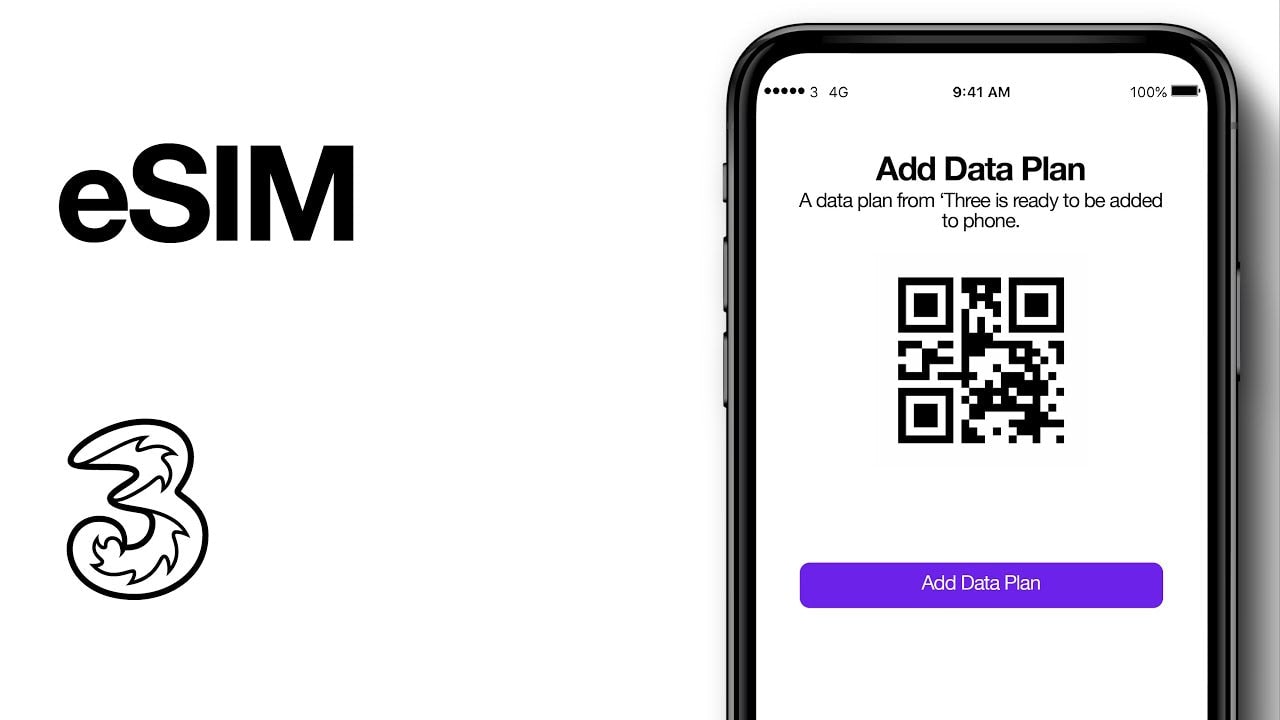
eSIMs can be purchased and installed before travel and are often convenient for short trips or multi-country itineraries.
5. Install and test eSIM or local plan before landing
If you plan to use an eSIM, purchase and install it before you depart or at least before you land so activation is simple on arrival.
After installing an eSIM, test mobile data and switching between eSIM and physical SIM in your phone cellular settings.
Keep your home SIM active (if dual-SIM) so you retain access to any two-factor authentication (2FA) messages during transition.
6. Roaming and network settings
By default, leave data roaming off until you have confirmed your plan on arrival. This prevents surprise charges.
Configure APN settings only if required by the carrier or eSIM provider.
Enable Wi-Fi calling if supported and useful at your destination.
Apps and offline tools
7. Download essential offline resources
Download offline maps for the cities you will visit (Google Maps, Maps.me) and mark key locations (hotel, embassy, transit hub).
Download translation packs and public-transport timetables where available.
8. Travel and payment apps
Install banking and payment apps, add cards to Apple/Google Pay, and notify your bank of travel dates to avoid card blocks.
Download rideshare, airline, and local transit apps and login before you go.
Privacy and security on the road
9. Use a VPN and review permissions
Install a reputable VPN for use on public Wi-Fi, especially for banking or sensitive work.
Review app permissions and disable anything unnecessary (location, contacts) for apps you will not use.
10. Two-factor authentication and recovery
Ensure 2FA methods will work abroad (authenticator apps are preferable to SMS when you change numbers).
Store recovery codes securely (paper copy in luggage or a secure password manager).
On arrival: what to do first
11. Arrival checklist (first 15-30 minutes)
Keep phone in airplane mode during descent. After landing, enable Wi-Fi and connect to airport Wi-Fi if needed.
If using an eSIM, activate it when you are ready to start using mobile data. If using a local SIM, swap SIMs with care.
Turn on mobile data and test a quick web page load, send a message, and make a short call to confirm service.
Check that roaming is still off if you want to avoid charges and that the correct SIM/eSIM is set as data/sms/voice default in dual-SIM phones.
Quick checklist: phone setup before international travel
Phone unlocked and compatible with destination bands
Full backup completed
OS and apps updated
Find My enabled and emergency contacts set
eSIM or physical SIM plan purchased and installed (or roaming plan confirmed)
Data roaming turned off until activation
Offline maps and essential apps downloaded
Payment methods added and bank notified
VPN installed and 2FA verified
Practical tips and common pitfalls
Test everything at home: insert a local SIM (if possible) or enable an eSIM and confirm connectivity before you fly.
Keep a paper copy of important numbers and your accommodation address in case your phone battery dies.
If you use work or highly sensitive accounts, consider a separate travel profile or device to limit exposure.
Final note on eSIMs and sources
If you plan to use an eSIM, buying and installing it before you land simplifies connectivity. Many eSIM resellers let you compare plans and install the profile in advance so you can switch on service as soon as you arrive.
Safe travels - a little phone setup before international travel goes a long way toward a smoother trip.
Planifica tu viaje con estos destinos eSIM
Descubre planes por destino relacionados con este tema y comp?ralos antes de viajar.
Obtén planes de datos eSIM globales al instante y sin roaming Activa en minutos y mantente en línea con paquetes prepago flexibles